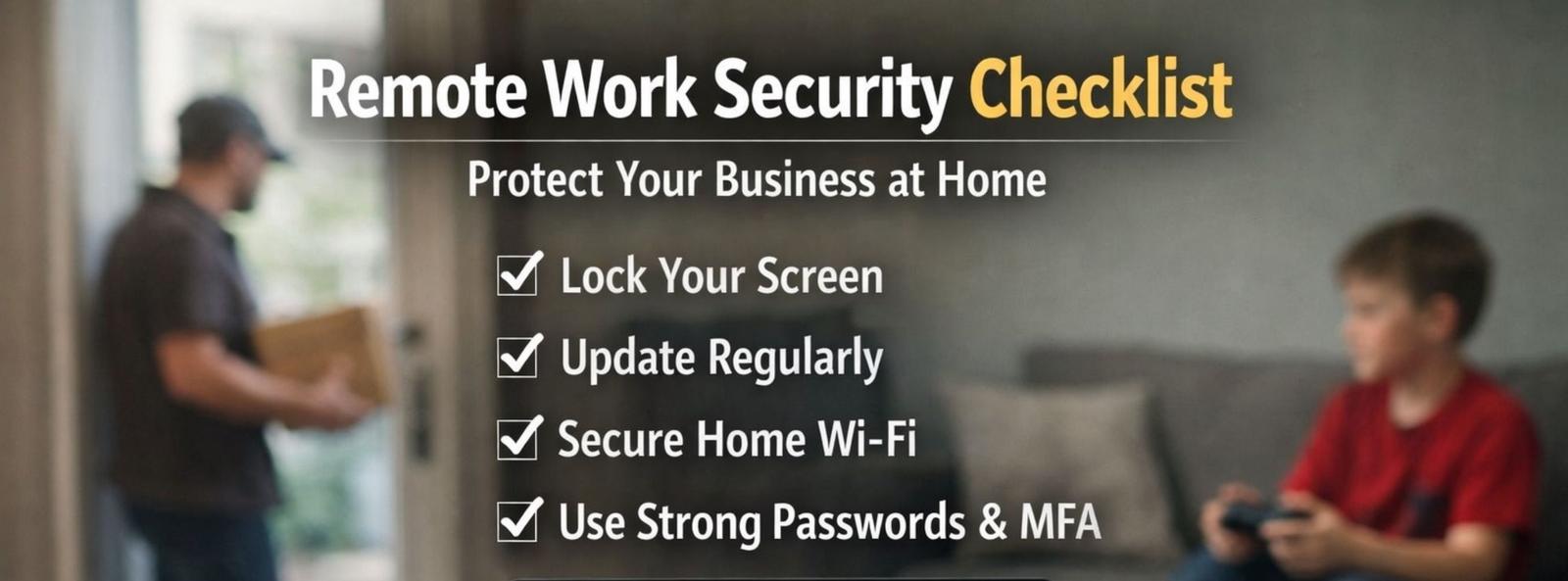
Remote Work Security: A Simple Checklist to Protect Your Business
Remote work is here to stay, and for most businesses, that’s a good thing. It brings flexibility, efficiency, and productivity. But it also introduces a new layer of risk that often goes unnoticed.
At home, security incidents don’t look like dramatic cyberattacks. They look like stepping away from a laptop during a delivery, leaving a device unlocked for a few minutes, or connecting to an unsecured Wi-Fi network.
Small moments like these, repeated over time, are how businesses become vulnerable.
The good news? Most of these risks are preventable with the right habits and a clear, simple approach.
Why Home Is a Different Security Environment
Your work laptop doesn’t become less secure at home, but the environment around it does.
In the office, there are natural safeguards:
- Controlled access
- Secure networks
- Fewer people interacting with devices
At home, convenience replaces control.
Devices move around more. They’re shared spaces. Networks are less protected. And personal and work use often overlap.
Organizations like CISA and Microsoft consistently highlight the same truth: remote security depends on strong fundamentals, consistently applied.
The Remote Work Security Checklist
At RIT Company, we believe security shouldn’t be complicated—it should be practical and repeatable.
Here’s a simple checklist every business should follow:
1. Lock Your Screen Every Time
Even at home. Set automatic screen locks and get into the habit of locking your device whenever you step away.
2. Treat Your Laptop Like a Valuable Asset
Don’t leave it on the couch, kitchen counter, or in your car. Store it somewhere safe when not in use.
3. Keep Work Devices for Work Only
Family members using work devices—even briefly—can unintentionally introduce risks like downloads, unknown logins, or unsafe browsing.
4. Use Strong Passwords and MFA
A long passphrase is far more secure than a short password. Multi-factor authentication (MFA) should always be enabled.
5. Don’t Use Outdated Devices
If a device can’t receive updates, it shouldn’t be used for business. Period.
6. Update Systems Immediately
Delaying updates leaves known vulnerabilities open. Turn on automatic updates and restart when prompted.
7. Secure Your Home Wi-Fi
- Use a strong password
- Change default router credentials
- Keep firmware updated
Your home network should meet business-level security standards.
8. Keep Security Tools Enabled
Firewalls and antivirus software are essential. If something feels inconvenient, fix the issue, don’t disable protection.
9. Remove Unnecessary Software
More apps = more risk. Keep systems clean and only use trusted, approved tools.
10. Store Work Data in Approved Systems Only
Avoid saving business files to personal drives or cloud accounts. Keep everything within secure, company-managed environments.
11. Be Cautious with Emails and Links
If something feels urgent or unusual, pause. Verify before clicking, downloading, or responding.
12. Allow Access Only from Secure Devices
Unmanaged or “unhealthy” devices are one of the easiest entry points for attackers. Access should always be controlled and verified.
Are Your Devices “Home-Proof”?
Remote work doesn’t have to increase your risk, if your systems are set up the right way from the start.
Being “home-proof” means:
- Devices lock automatically
- Access is protected
- Updates happen consistently
- Wi-Fi is secure
- Data stays where it belongs
Nothing complicated, just consistent execution.
Most security issues we see aren’t caused by sophisticated attacks. They happen because of small gaps in everyday habits.
That’s why having a clear, enforced standard matters.
At RIT Company, we help businesses across Chicago and the suburbs turn these basics into real, working systems, so your team can stay productive without putting your business at risk.

Contact Us Today To Schedule Your Discovery Call
15min discovery call Schedule 15min discovery callOr submit a message
Thank you for contacting us!
We respond within 24 hours