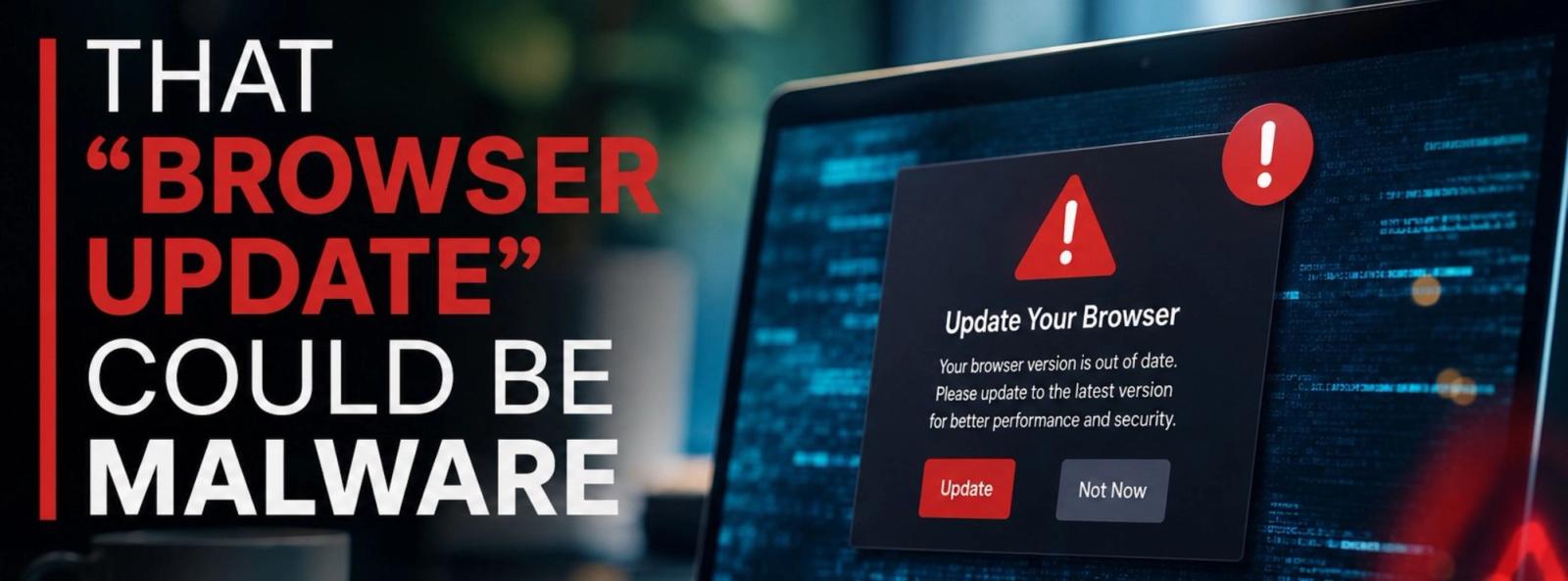
We’re all used to seeing update notifications.
Update your browser. Install the latest version. Restart to finish updating.
Most of the time, these messages are legitimate. But cybercriminals know we’re used to clicking them — and they’re taking advantage of that habit.
A recent international law enforcement operation targeted SocGholish, also known as FakeUpdates, a malware operation that used compromised legitimate websites to display convincing fake browser and software update messages.
Nearly 15,000 compromised websites were cleaned, and 106 servers and domains connected to the operation were taken down.
HOW DOES THE ATTACK WORK?
What makes this threat particularly dangerous is that you don’t necessarily have to visit an obviously suspicious website.
Attackers can compromise a legitimate website — often one built with WordPress — and modify it so certain visitors see what appears to be a normal browser update.
You might see a message telling you that Chrome, Edge, Firefox, or another piece of software needs to be updated.
You click Download.
But instead of installing an update, you may be installing malware.
That malware can give attackers an opening into the computer and allow additional malicious software to be installed, including tools designed to steal information, gain remote access, or potentially lead to ransomware.
WHY BUSINESSES SHOULD PAY ATTENTION
One employee making one convincing click can create a much bigger problem.
A compromised business computer may contain access to:
- Company email
- Microsoft 365 accounts
- Customer information
- Financial records
- Saved passwords and credentials
- Shared files and cloud services
- Other systems on the company network
The important lesson isn't simply that one cybercriminal operation was disrupted.
The technique works — and other attackers can use the same idea.
BEFORE YOU CLICK “UPDATE”
If a website suddenly tells you that your browser or software needs an urgent update, don't automatically trust it.
Instead:
Close the message.
Don't download the file directly from the website pop-up.
Update through the software itself.
Use your browser's built-in update feature, your operating system settings, or the software provider's official source.
Be cautious with urgency.
Messages designed to make you act immediately should always get a second look.
Keep systems properly patched.
Regular updates remain an important part of cybersecurity — they just need to come from a trusted source.
Use multi-factor authentication.
MFA provides an additional layer of protection if credentials are stolen.
And if you're unsure whether an update message is legitimate, ask before you click.
SECURITY DOESN’T HAVE TO BE COMPLICATED
Cybercriminals increasingly rely on normal everyday actions — opening an email, scanning a QR code, visiting a website, or clicking an update notification.
That's why cybersecurity isn't only about having security software.
It's also about making sure your employees know what to look for and that your systems are properly monitored, updated, backed up, and protected.
If you see something suspicious or simply have an IT or cybersecurity question, give us a call.
You don't have to be an RIT Company client to ask a question. We're always happy to help or point you in the right direction.
Call us at 847-380-1993 or click here to schedule your FREE 15-Minute Discovery Call today and take the first step toward a smarter, more secure IT environment.

Contact Us Today To Schedule Your Discovery Call
15min discovery call Schedule 15min discovery callOr submit a message
Thank you for contacting us!
We respond within 24 hours