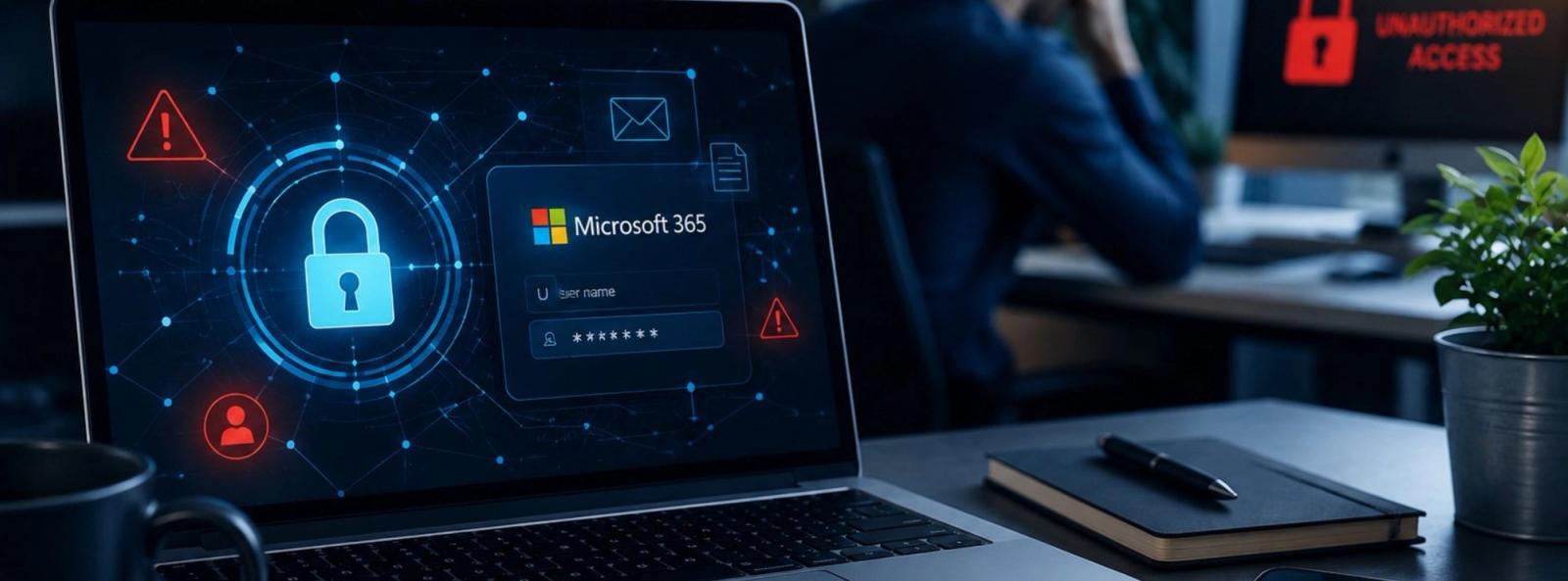
One stolen login can give a cybercriminal access to much more than email.
For many businesses, Microsoft 365 is at the center of the workday.
Employees use it for email, documents, calendars, contacts, file sharing, Teams, and communication with customers and vendors.
That convenience also makes a Microsoft 365 account extremely valuable to cybercriminals.
Attackers don't always need to "hack" your computer anymore. If they can trick an employee into giving away a password, approving the wrong sign-in request, or signing into a convincing fake Microsoft page, they may be able to get exactly what they want: trusted access to your business.
And once an attacker appears to be a legitimate employee, the damage can spread quickly.
Why Are Microsoft 365 Accounts Such Valuable Targets?
Think about what is sitting inside a typical business email account.
There may be customer information, invoices, contracts, internal conversations, password-reset messages, employee information, vendor contacts, financial discussions, and links to company files.
A compromised account can also give an attacker something even more valuable: your identity.
Instead of sending a suspicious email from an unknown address, the criminal may be able to send a message from a real employee's account.
Imagine receiving this from someone you work with:
"We changed banks. Please use the attached payment instructions for today's invoice."
Would your employee question it if it came from a familiar name and a legitimate company email address?
That is exactly why account security matters.
The Password Is No Longer the Whole Story
A strong password is important, but businesses should not rely on passwords alone.
Multi-factor authentication (MFA) adds another layer of protection by requiring an additional form of verification when someone signs in.
But employees also need to understand one simple rule:
Never approve an MFA request you didn't initiate.
An unexpected authentication request could mean someone already has your password and is trying to get through the second layer of security.
If you receive a sign-in approval you didn't request, deny it and contact your IT provider.
Don't simply dismiss it and forget about it.
It may be an early warning.
Watch for Fake Microsoft 365 Login Pages
One of the most effective phishing techniques is also one of the simplest.
You receive an email that appears legitimate.
It may tell you:
- A document has been shared with you.
- Your Microsoft 365 password is expiring.
- A voicemail is waiting.
- An invoice needs your attention.
- Your account requires verification.
- Someone attempted to sign in.
- You need to review a file.
You click, see a page that looks like Microsoft, and enter your credentials.
But the page wasn't Microsoft.
You just handed your login information to an attacker.
Modern phishing messages can look polished and professional, so employees should no longer depend on bad spelling or strange formatting as the primary warning signs.
The message can look real and still be dangerous.
Three Things Every Employee Should Do
1. Use MFA
Enable multi-factor authentication wherever possible, especially for email, Microsoft 365, financial systems, remote access, and other important business accounts.
MFA adds an important barrier if a password is stolen.
2. Stop Before You Sign In
If an unexpected email asks you to log into Microsoft 365, don't automatically use the link in the message.
Ask yourself:
Was I expecting this? Do I know who sent it? Does this request make sense?
When possible, go directly to the service you normally use instead of signing in through an unexpected link.
3. Treat Unexpected MFA Prompts as a Warning
If you didn't try to sign in, don't approve the request.
Report it.
A few seconds of caution can prevent a much bigger problem.
What If You Think Your Microsoft 365 Account Has Been Compromised?
Act quickly.
Contact your IT provider or internal IT team immediately.
Don't wait until the next morning or assume that changing the password automatically solves everything.
Your IT team may need to review sign-in activity, active sessions, account permissions, mailbox rules, forwarding settings, authentication methods, connected applications, and other indicators of unauthorized access.
The sooner suspicious activity is investigated, the better the chance of limiting the damage.
Microsoft 365 Security Is Business Security
Microsoft 365 security isn't simply an IT issue.
It's a business risk issue.
A compromised account can affect customers, employees, vendors, payments, company data, and your reputation.
That's why businesses need more than software. They need properly configured security, monitoring, employee awareness, strong authentication, and someone who knows what to look for when something doesn't seem right.
When Was Your Microsoft 365 Security Last Reviewed?
Many businesses add employees, remove employees, change permissions, connect new applications, and adjust their Microsoft 365 environment over time.
Security settings shouldn't be something you configure once and forget.
At Reliable Information Technology (RIT Company), we help Chicago-area businesses protect their technology, users, email, and data with practical IT and cybersecurity solutions.
If you're wondering whether your Microsoft 365 environment is properly protected, ask us.
A short conversation today is much easier than dealing with a compromised account tomorrow.
Have a Microsoft 365 security question? Let's talk.
RIT Company
Managed IT & Cybersecurity for Chicago-Area Businesses
847-348-3381
ritcompany.com

Contact Us Today To Schedule Your Discovery Call
15min discovery call Schedule 15min discovery callOr submit a message
Thank you for contacting us!
We respond within 24 hours